Water ripple background generator
Make a still water ripple background. Place the center, shape the rings, pick a tint, and download a PNG up to 4K. Free, with no sign-up.
How to use it
- Choose a water preset and click or tap the preview to place the ripple center.
- Adjust ring spacing, depth, and falloff, then choose a tint.
- Choose a wallpaper or social size and download the PNG, or open it in Alea to keep editing.
What is a water ripple background?
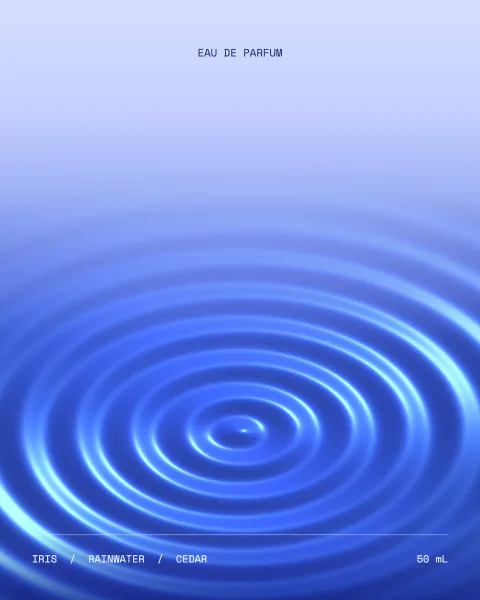
Water ripple backgrounds use concentric waves and reflected light to suggest a drop landing on a still surface. Use them for phone wallpapers, fragrance visuals, and poster backgrounds.
Want a finished design instead? Describe it in a sentence and Alea builds it with editable layers. Try it on the home page
Made with this in the gallery
Frequently asked questions
Can I animate the water ripples?
This tool makes a still image and exports it as a PNG.
What sizes can I download?
Up to 4K (3840 × 2160), plus desktop and phone wallpapers, square and portrait posts, and stories.